Typing and retyping reports
Word files, copied tables, a different layout every time.
Now: pick a test, type the results, and the report lays itself out the same way every time.
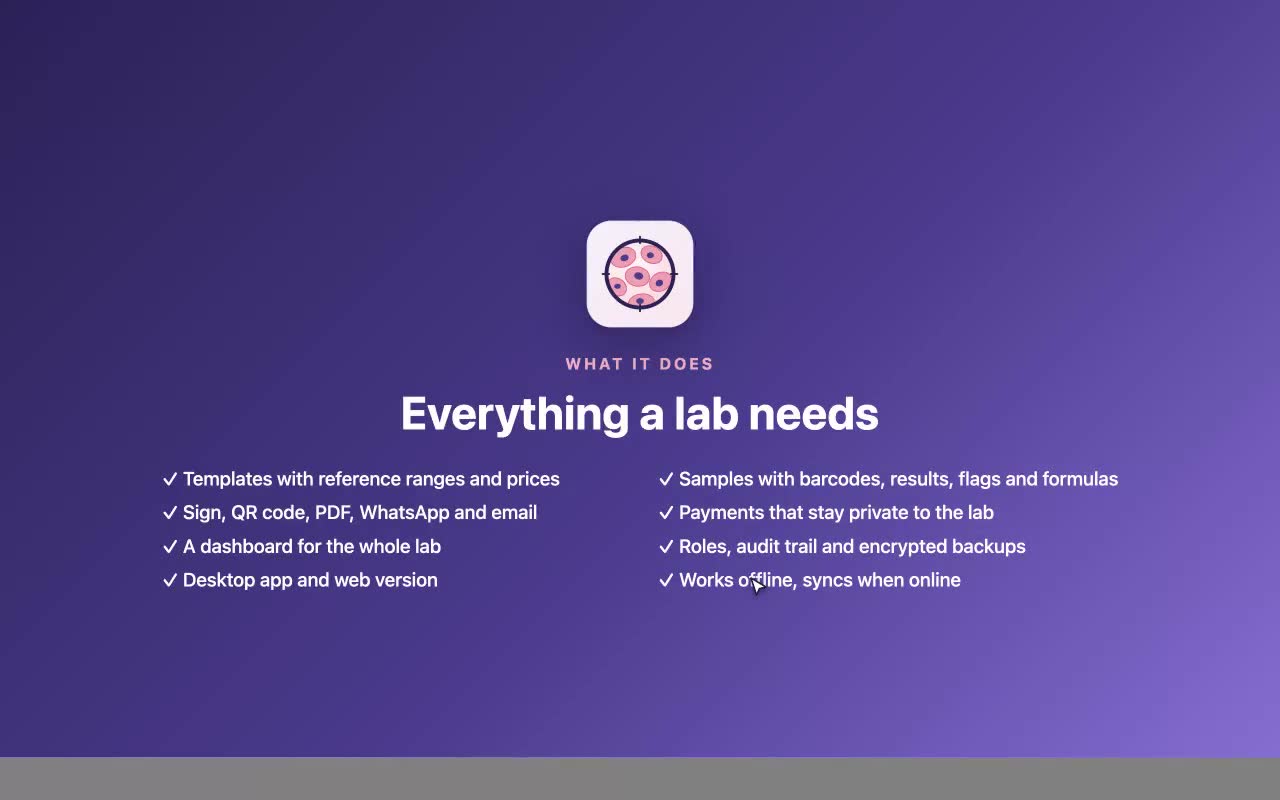
LabView takes a patient from registration to a signed report with a QR code, payments and a daily dashboard. It keeps working when the internet does not.
Sign in with a 6-digit code, no passwords Windows, Mac, Android and iPhone
What it solves
Most labs lose time to the same few things. LabView is built around them.
Word files, copied tables, a different layout every time.
Now: pick a test, type the results, and the report lays itself out the same way every time.
Checking every number against a reference chart by eye.
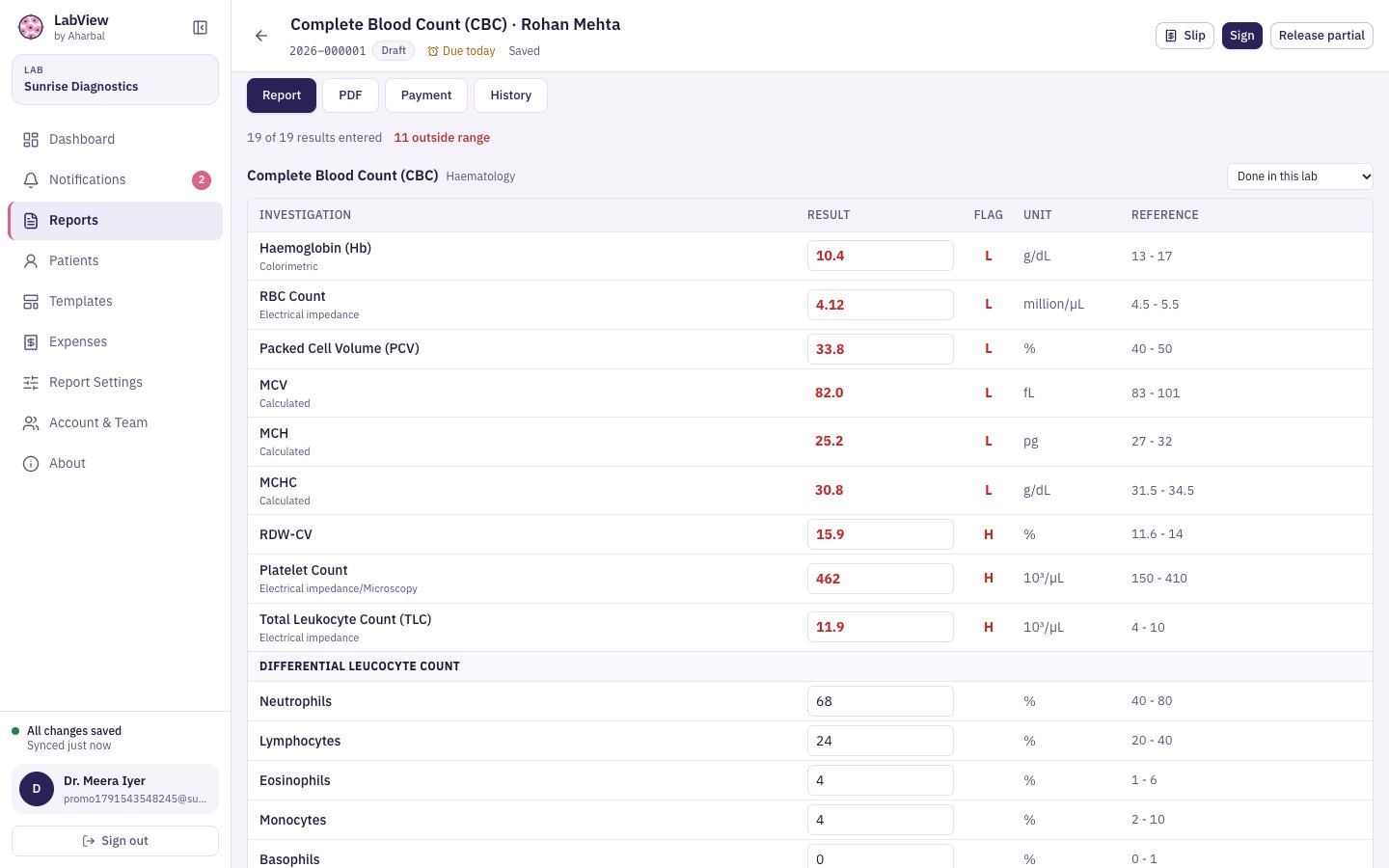
Now: High and Low flags appear as you type, by age and sex, and critical values must be reviewed before signing.
Phone calls, WhatsApp photos, printouts that get lost.
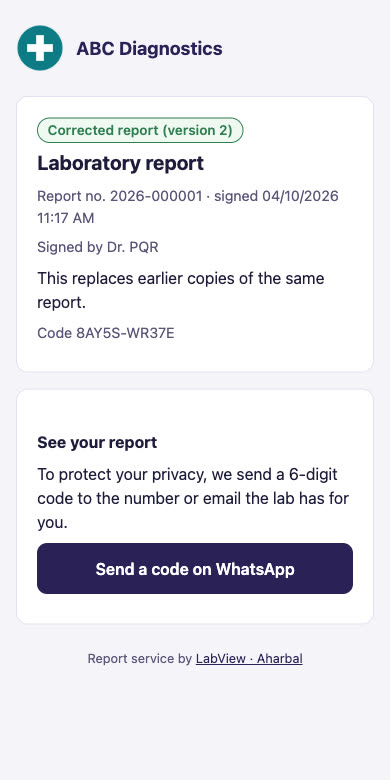
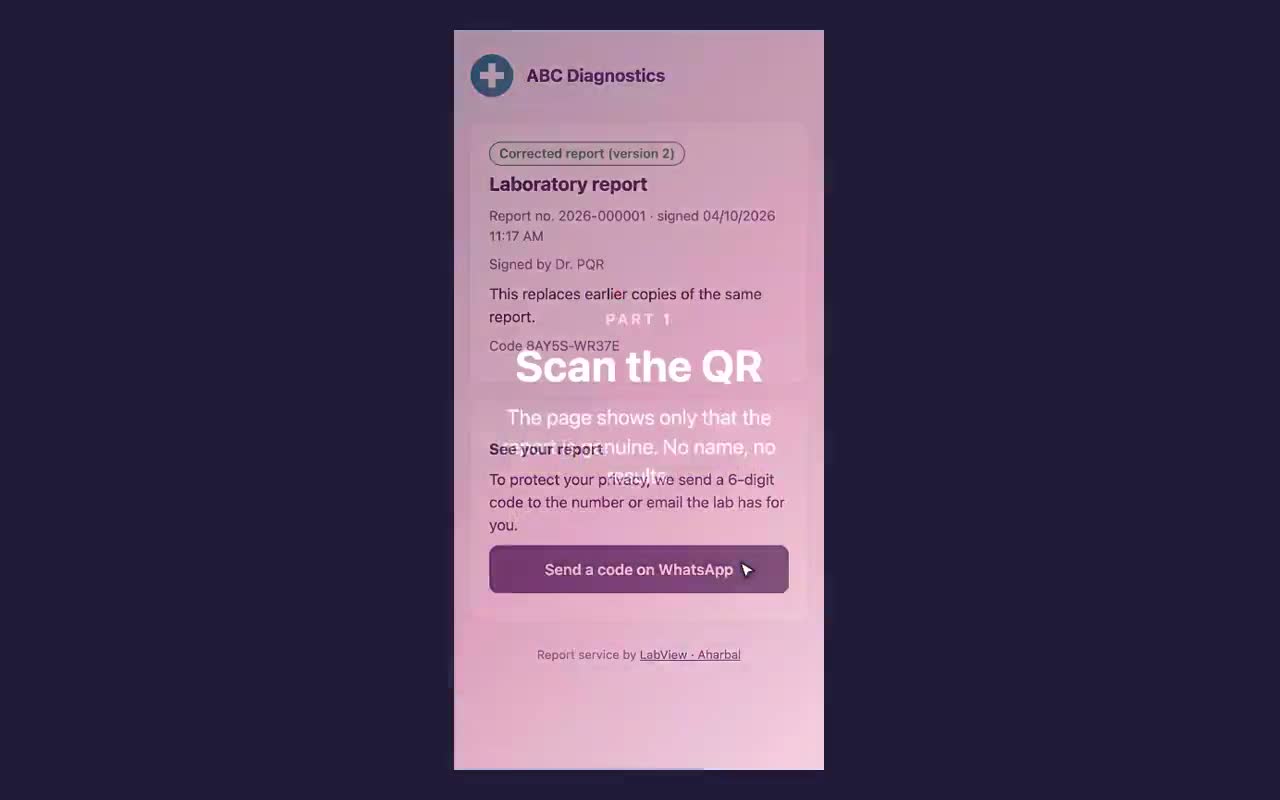
Now: a QR on the report opens it on the patient’s own phone, after a code sent to their number.
Cash in a drawer, dues in a notebook, spending in your head.
Now: payments by report, what is still to collect, expenses with the bill, and a dashboard that adds it up.
A cloud-only tool means a waiting room full of patients.
Now: LabView keeps its own copy on your computer. Keep working, it syncs when you are back online.
Everyone sharing one login, no record of who signed.
Now: each person has a role. Prices and payments stay private, and every signed report keeps its history.
The best of LabView
Everything below is the real app, with sample data for a lab we made up.
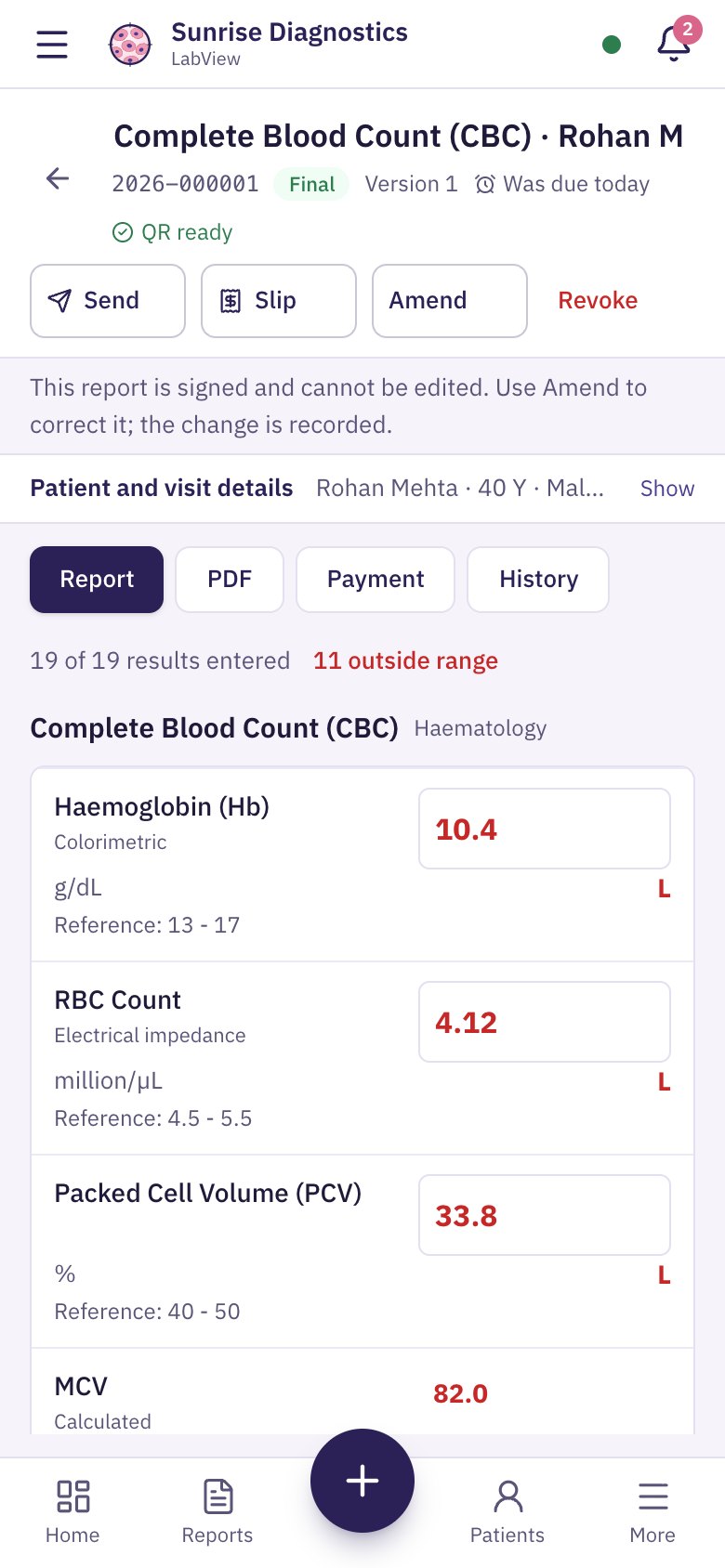
Search a test, type the numbers. LabView colours what is out of range and works out the calculated rows for you.
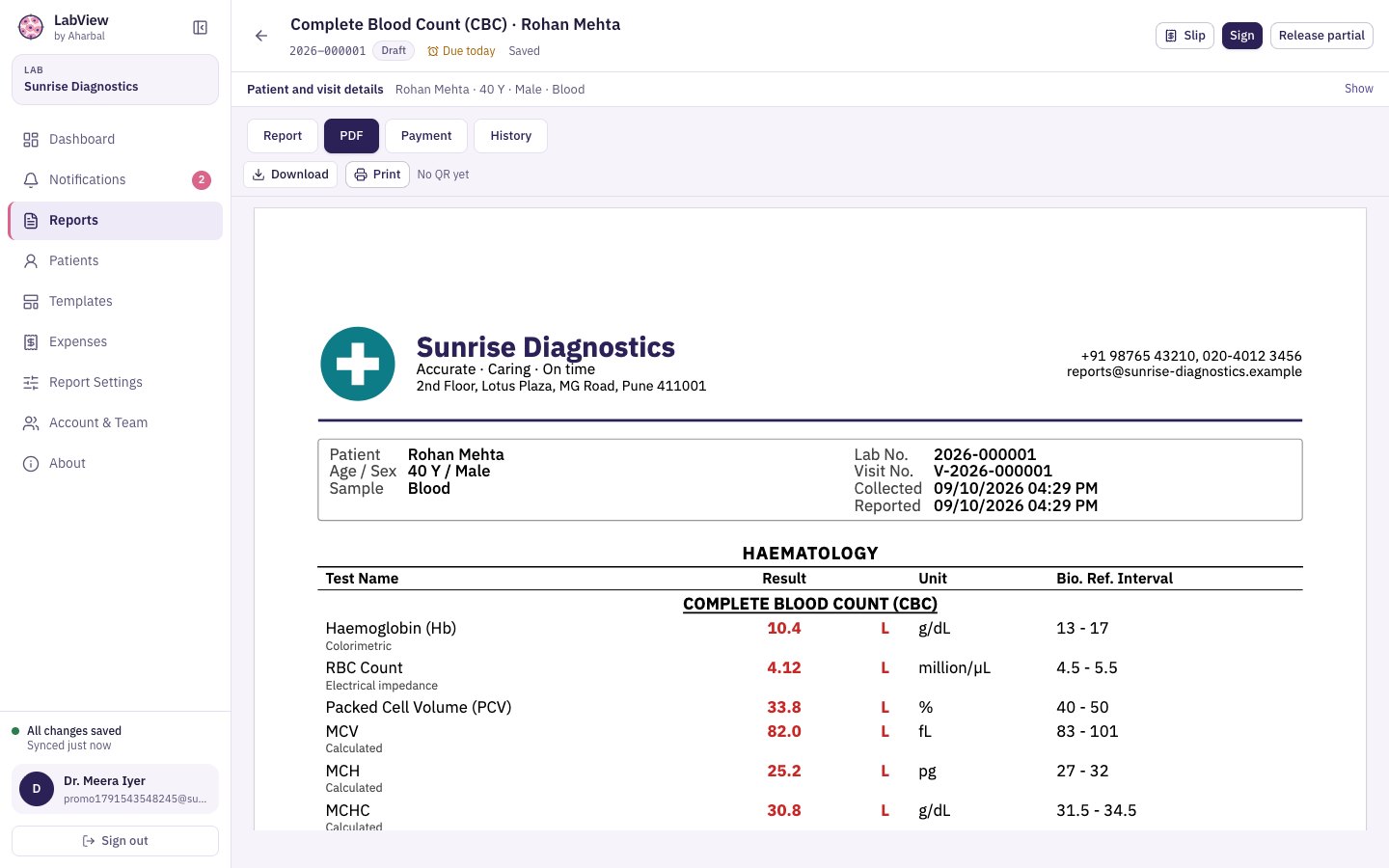
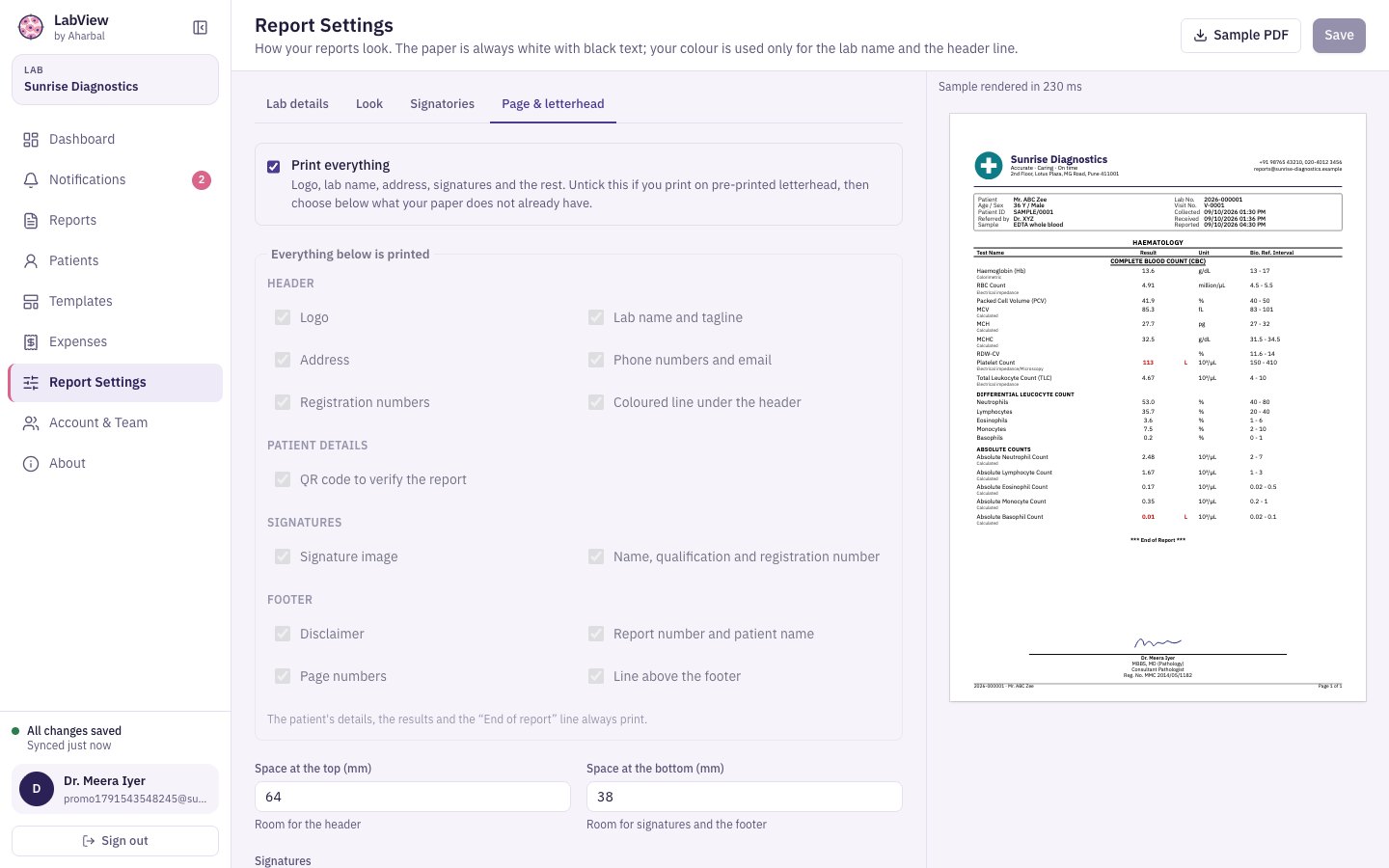
Your logo, address and signature, laid out cleanly on A4. Print on plain paper, or turn parts off for your own letterhead.
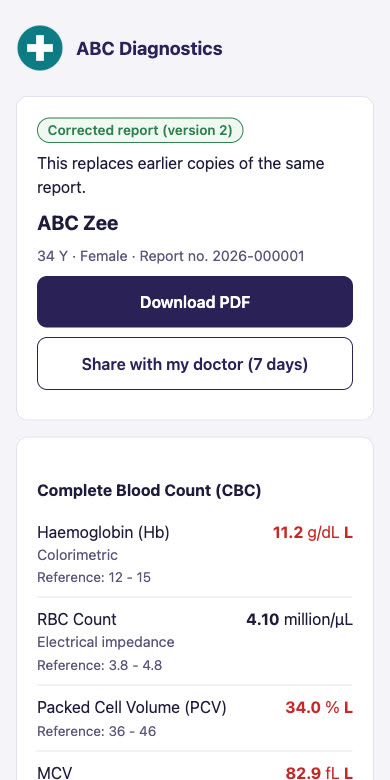
Every signed report carries a QR code. The patient scans it, gets a code on their own number, and sees the result. No app, no account.
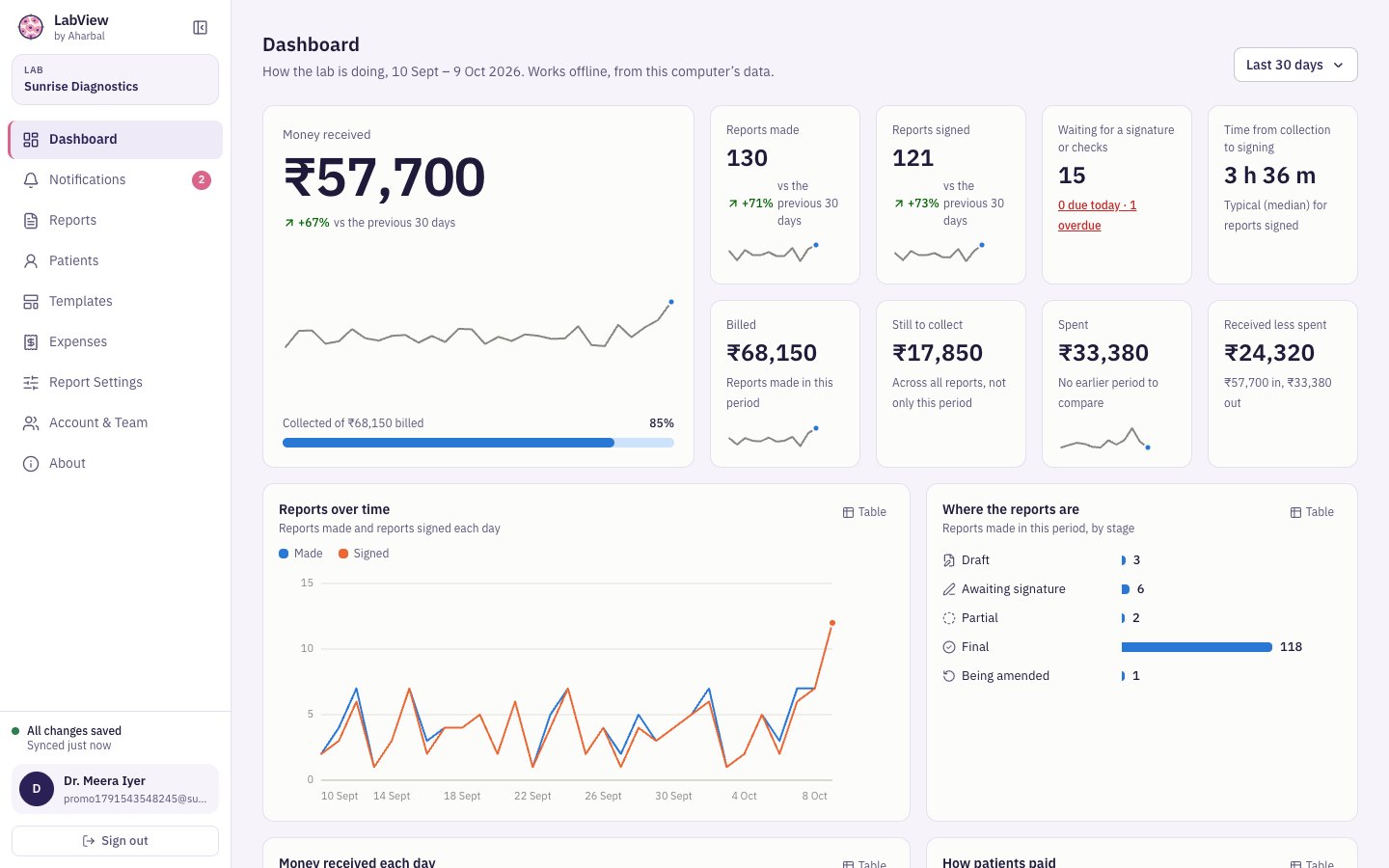
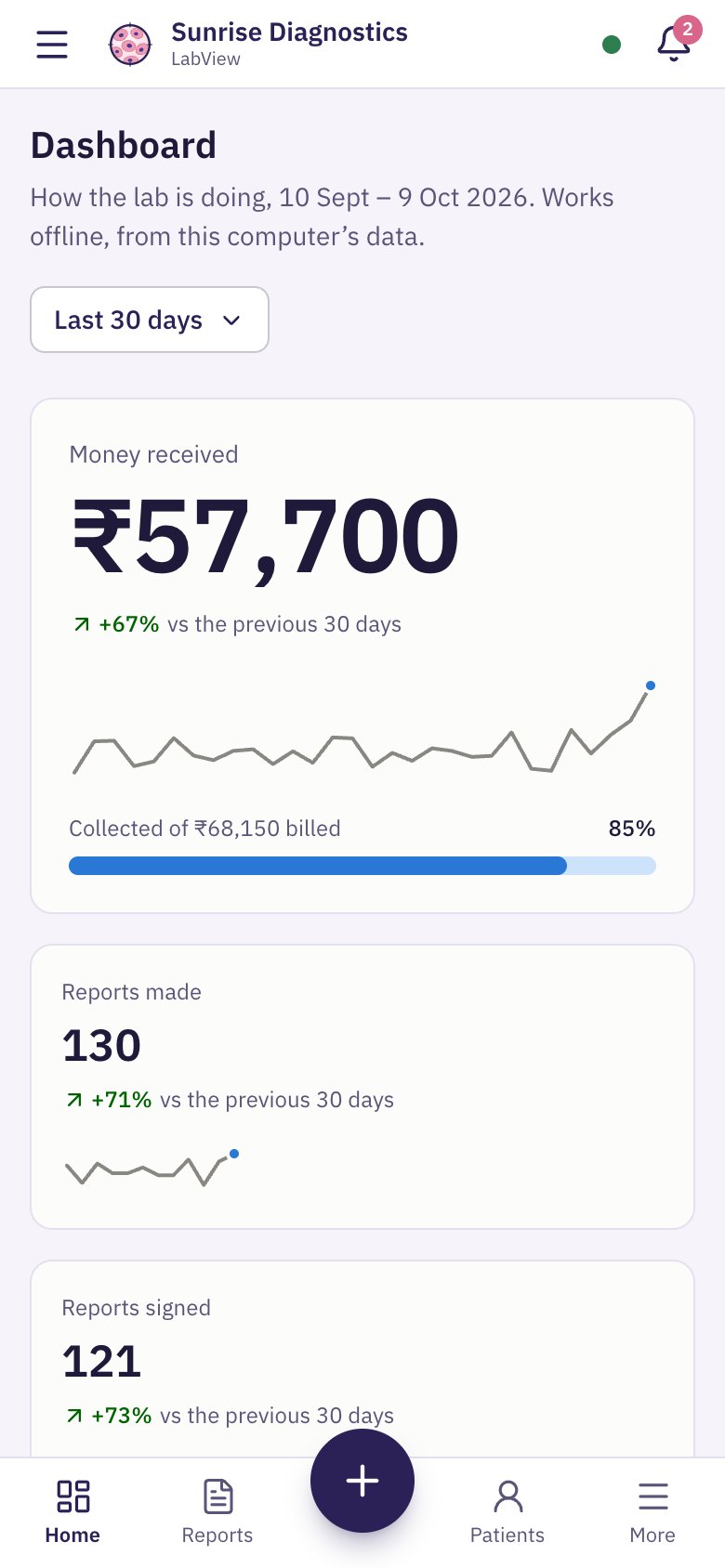
Money received, reports made and signed, what is waiting for a signature, and how long reports take. All from your own data.
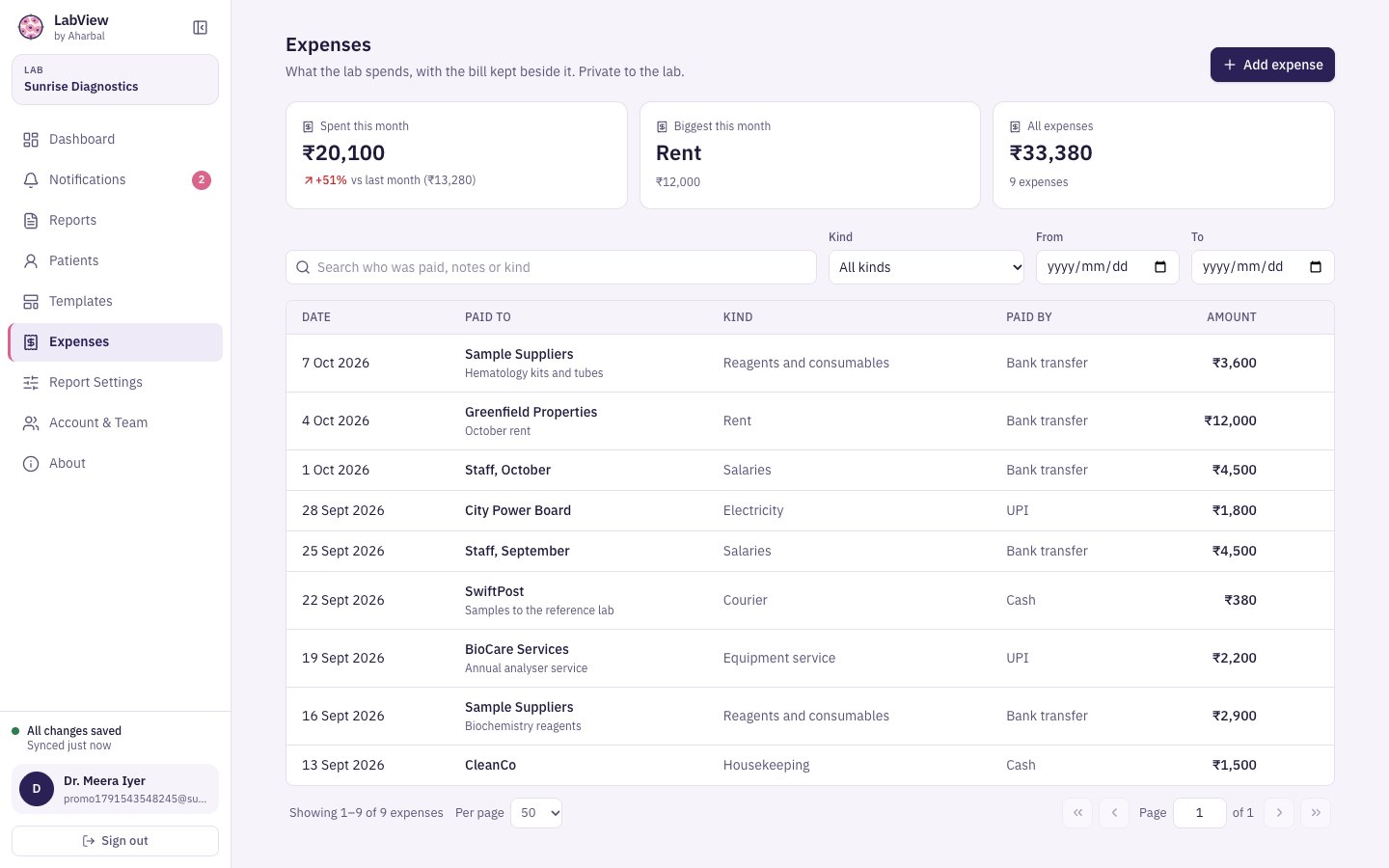
Take payments against a report, see what is still to collect, and keep every expense with its bill beside it. All private to the lab.
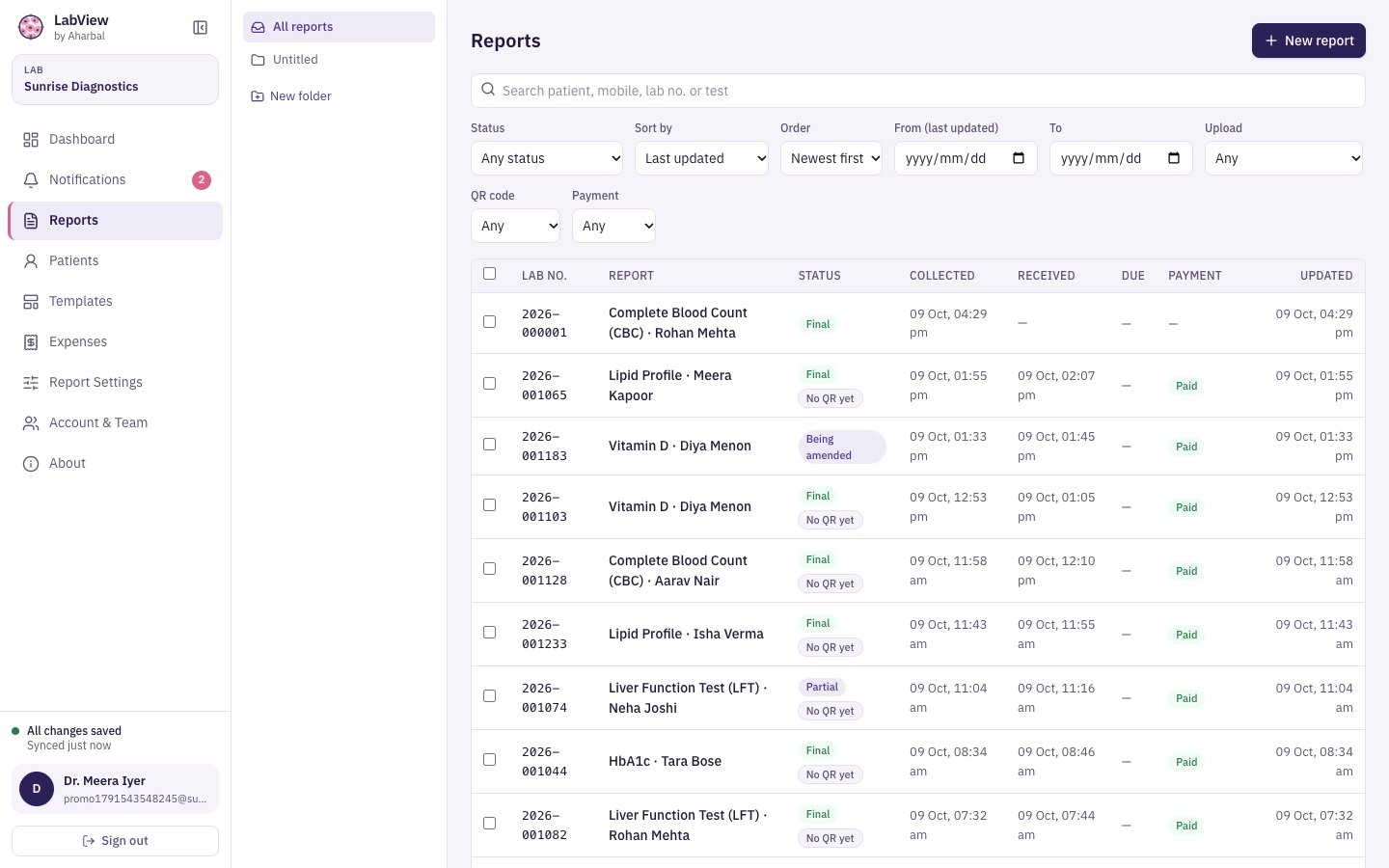
Search by patient, mobile number, lab number or test. Filter by status, payment or QR, and keep reports in folders.
And the small things that matter
Open LabView with no internet, and lock it when you step away.
Choose how many people check a report before it is final, including the three steps NABL labs use.
Make templates for any test, with formulas, ranges and a private price.
Your data lives on your computer and in the cloud, so a broken laptop is not a lost lab.
Works well on Android and iPhone
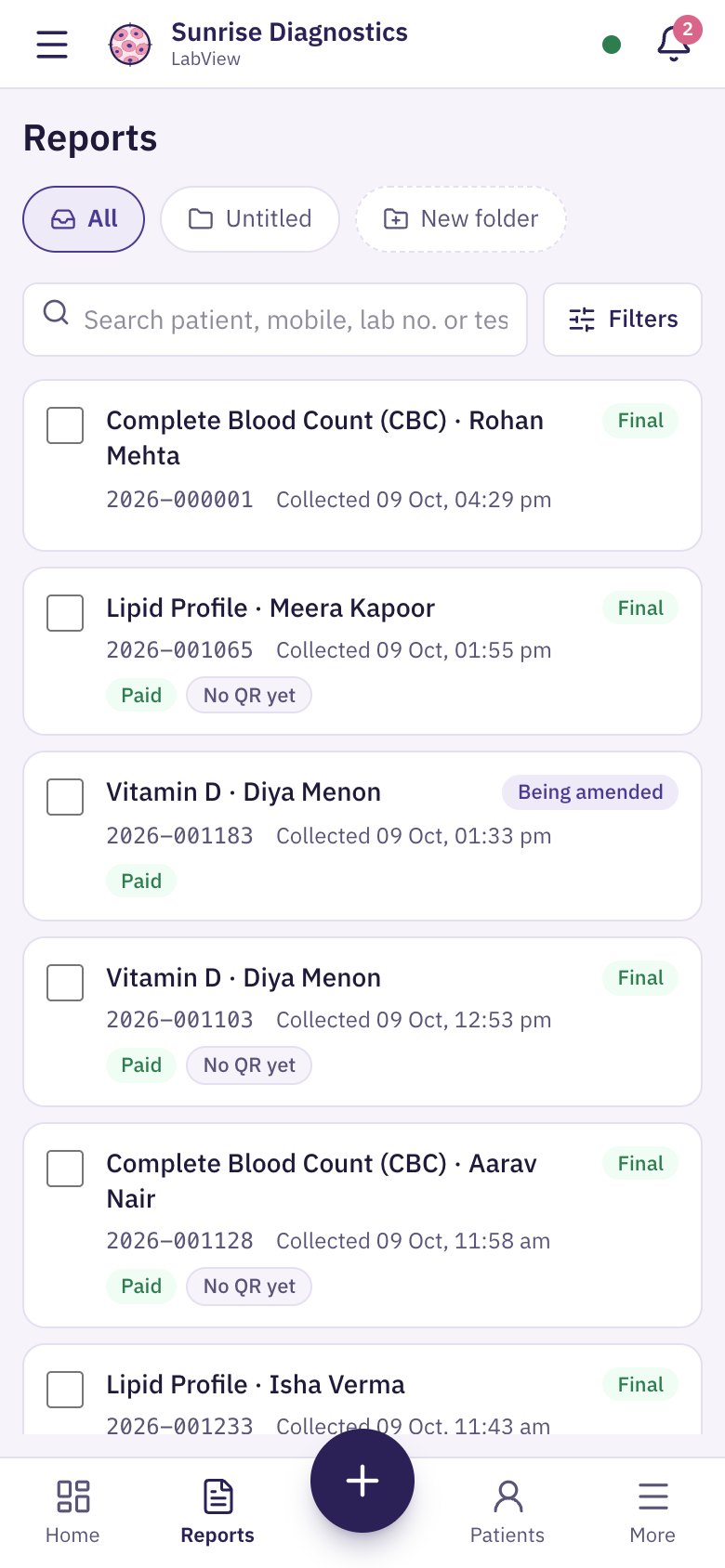
Open LabView in Chrome on Android or Safari on iPhone and it fits the screen: a bottom bar, big buttons and the same reports you see on the computer. Add it to your home screen and it opens like an app.
Patients need nothing at all: the QR opens in any phone’s browser.
Not sure yet? See it first
Pick the way you will use LabView. Each guide walks through a whole day in the lab.

Create your lab, add your logo and signature, and make your first report today.